How to stop videos from playing automatically in Facebook
I. For Android App
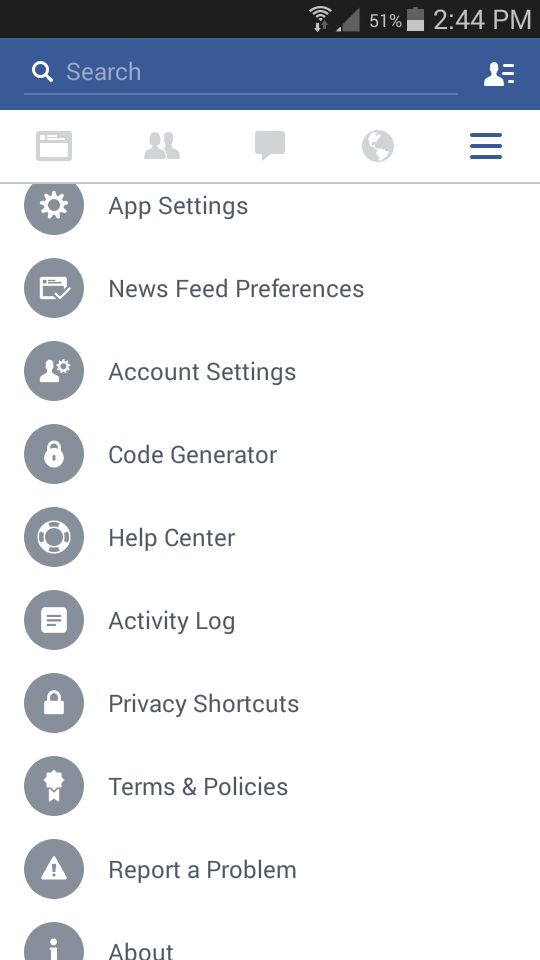
tap more , scroll down and select App Settings
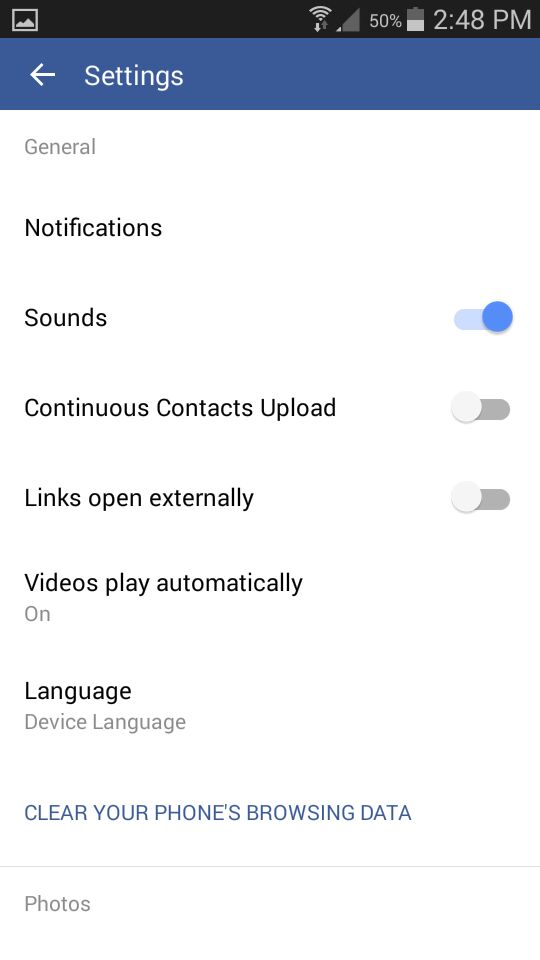
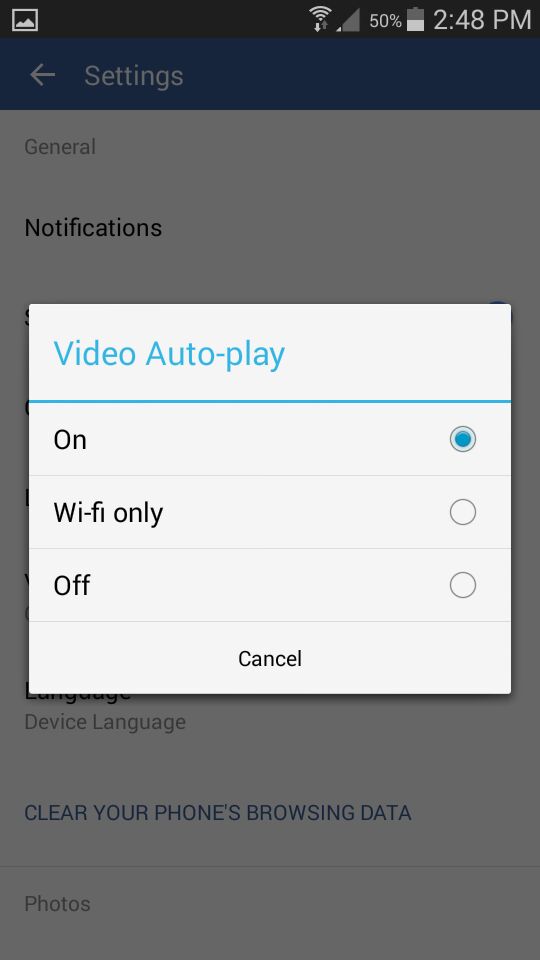
select Videos play automatically and select off
II. in Facebook App on iPhone
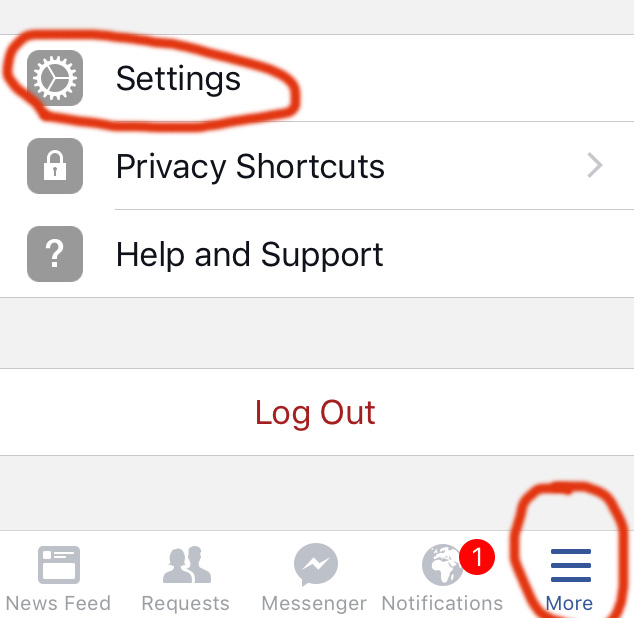
1. Tap more  and select settings and make sure you are in Account Settings
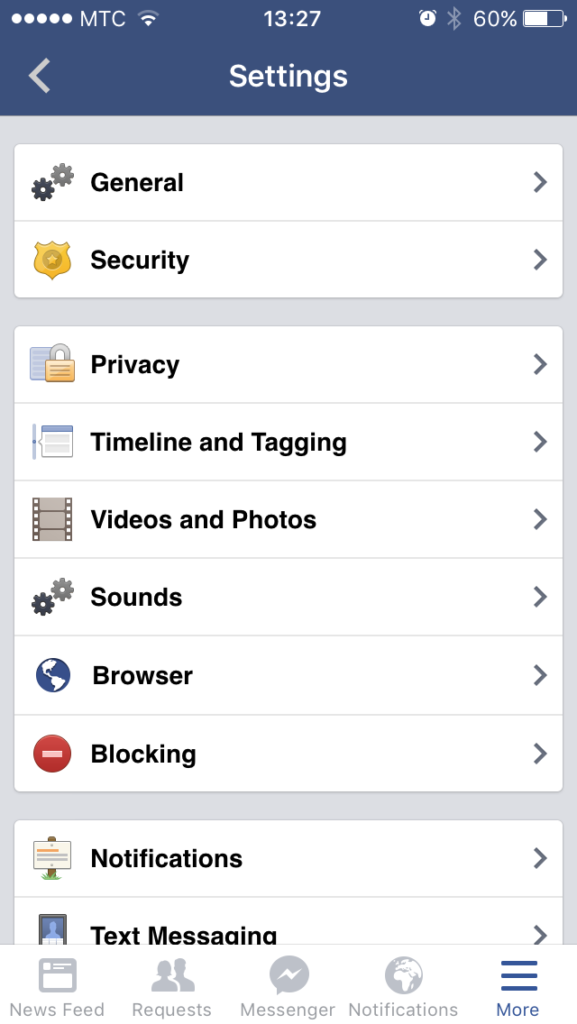
2. Tap Videos and Photos
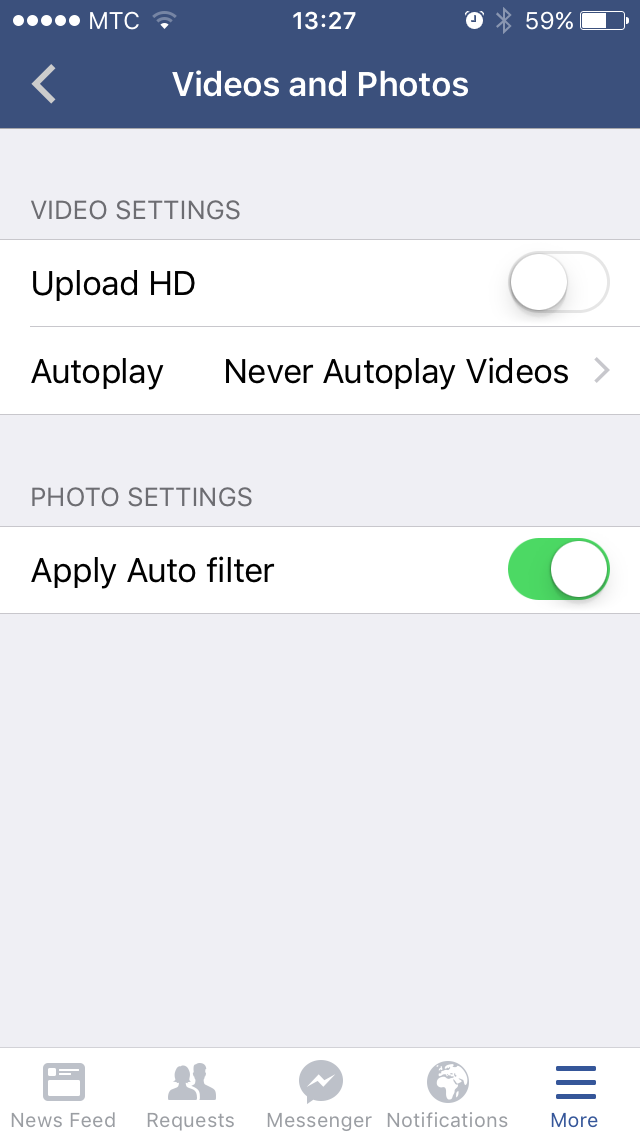
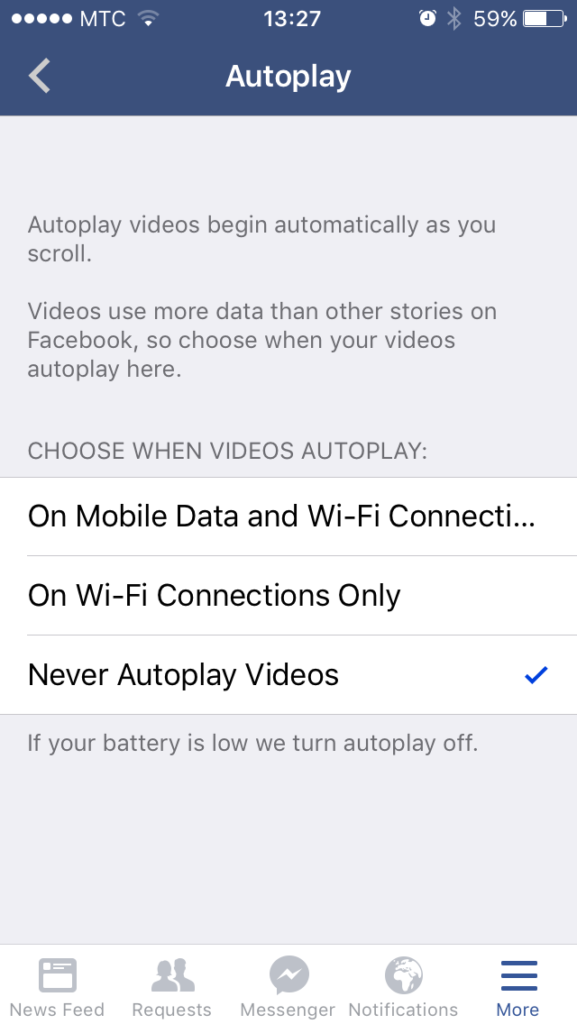
3. Tap Auto play and select – Never Auto-play videos
2. Browser:
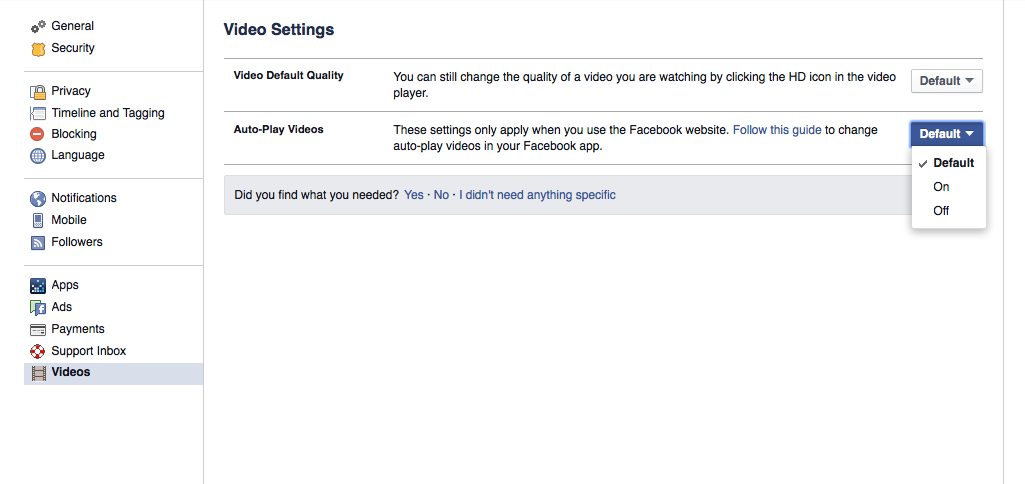
You can turn Facebook’s video auto-play settings on or off. To stop videos from playing automatically on your computer:
- From the top right of Facebook, click
 and select Settings
 - Click Videos in the left menu
- Click the dropdown menu next to Auto-play Videos and select Off